
Software
Software that runs the meter, the accounts and the documents
Two programs cover most of what a mailroom asks a computer to do. MailONE puts the PostBase meter on your desktop, so postage, cost accounts, Certified Mail and USPS package shipping are recorded as they happen instead of copied into a spreadsheet later. FlexStream takes the statements and invoices your systems already produce as PDF, decides which pages belong to which recipient, and marks them so a folder inserter can fold and seal them without anyone reading them.
Both come from manufacturers we already service: MailONE from FP Mailing Solutions, FlexStream from Flex Systems, sold alongside FP's FPi folder inserters. We install them, connect them to your equipment and support them afterward.
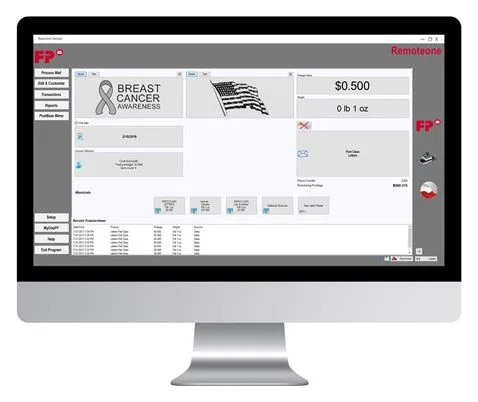
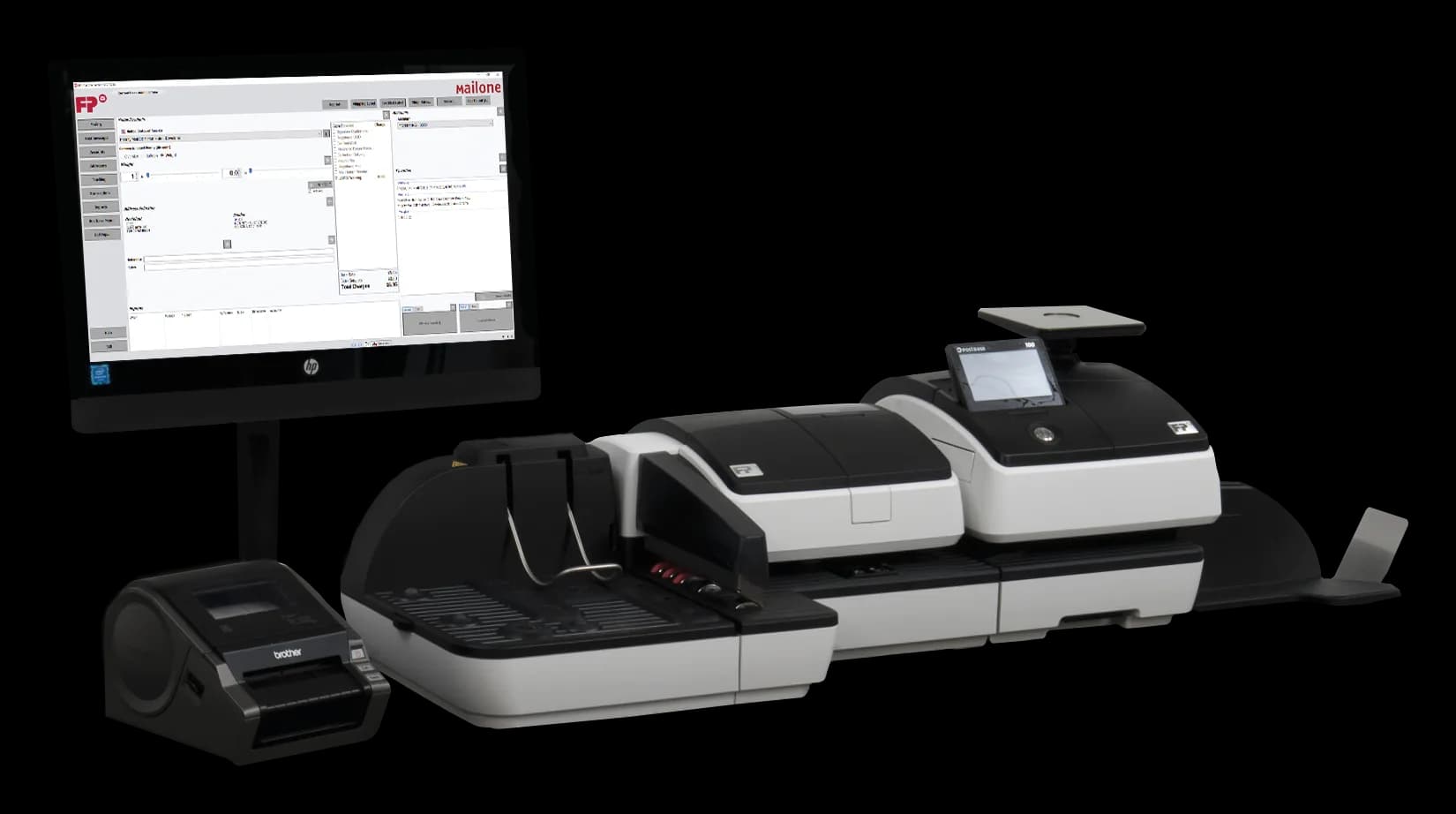
MailONE
Desktop postage and account management for PostBase.
View →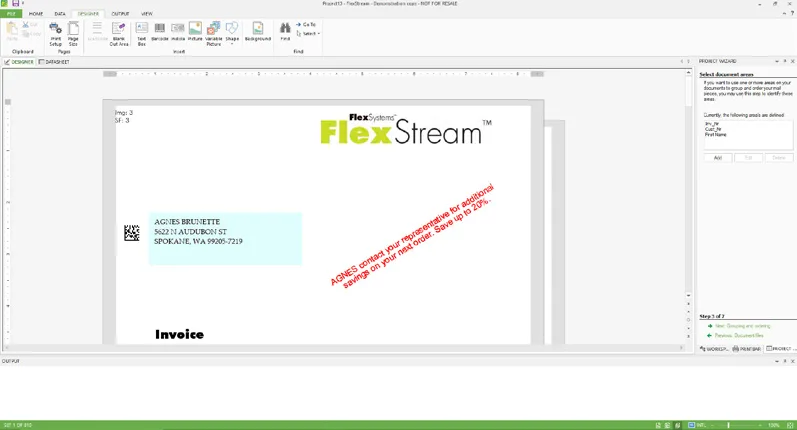
FlexStream & FlexMail
Document automation for inserters, and variable-data printing for address printers.
View →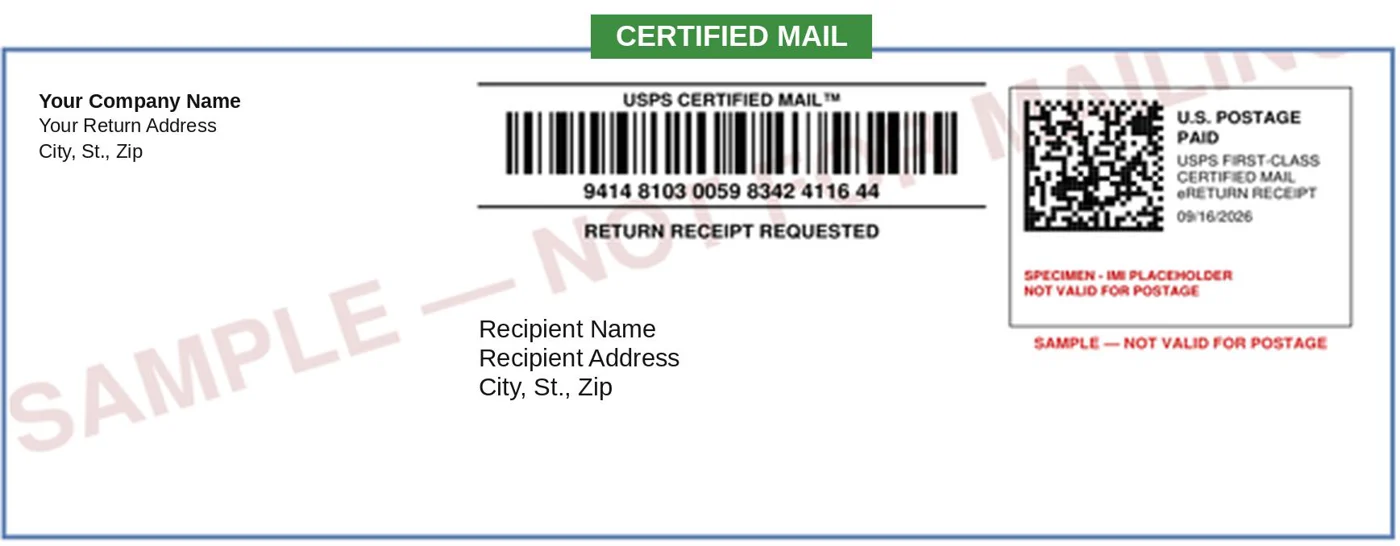
Insert Ready Mail
Certified Mail with eRR, straight from your PDF print file.
View →Which one do you need?
- You want postage spend by department, client or matter, printed or exported, without keeping a log: MailONE.
- You ship USPS packages and want the label, postage and tracking barcode from one screen: MailONE.
- You send Certified Mail and want the return receipt as a PDF: MailONE's Certified Mail Manager, or CertifiedMailStream on its own.
- You send Certified Mail in volume from a PDF print file and want the postage, tracking and signed receipt handled for you: Insert Ready Mail.
- You print statements, invoices or notices from an accounting or practice system and put them through a folder inserter: FlexStream.
- You address envelopes or postcards from a list on an inkjet address printer: FlexMail, on the FlexStream page.
- You need proof that every document went into the right envelope: FlexStream with FlexVision, on the FlexStream page.
Installing and downloading
Each program installs on a Windows PC. MailONE, RemoteONE and ReportONE need the Microsoft .NET Framework 4.0 and the matching 32- or 64-bit PostBase driver first. The step-by-step order is on the MailONE page; the download links themselves live under Support so they can be kept current in one place. If you would rather not do it yourself, our technician installs it during the meter visit.
Questions we get asked
Do I need MailONE to use my PostBase?
No. Every PostBase mailing system comes with RemoteONE, which controls the meter from a PC and captures account chargeback and transaction data for the accounts registered in the meter. ReportONE adds printed reports and exports for those same accounts. MailONE is the optional step up: unlimited cost accounts, USPS Commercial Base Pricing, reporting and exporting, Certified Mail and package shipping.
Will FlexStream work with the inserter I already have?
FlexStream includes pre-defined scancodes for inserters from all major manufacturers, and custom scancodes can be defined if a machine needs them. It reads the PDF files your existing system produces, so nothing upstream has to change. We confirm the pairing with your model before you buy.
Where are the downloads?
On our Support page, in the order they need to be installed. The MailONE page walks through the three steps and what each one is for.
Related
FP's mailroom software, live from FP
Open it in a new tab ↗FP publishes this panel for its dealers and updates it whenever the line changes, so it shows what FP makes today. Our own pages above are what we sell, install and service.
This panel is FP Mailing Solutions's own page, kept up to date by FP Mailing Solutions. Everything outside it is ours — and if you would rather talk to a person about any of it, that is what the phone number at the top is for.
See it on your own mail
Tell us which PostBase or folder inserter you run and what you send. We will show you the software on one of your real jobs, quote it, and set it up on your PC.